


### Sudoku Game Generator in Java: A Comprehensive Guide
#### Overview
This article delves into the creation of a Sudoku game generator using Java. We will explore the fundamentals of Sudoku, the importance of a generator, and the step-by-step process to build one using Java.
#### What is Sudoku?
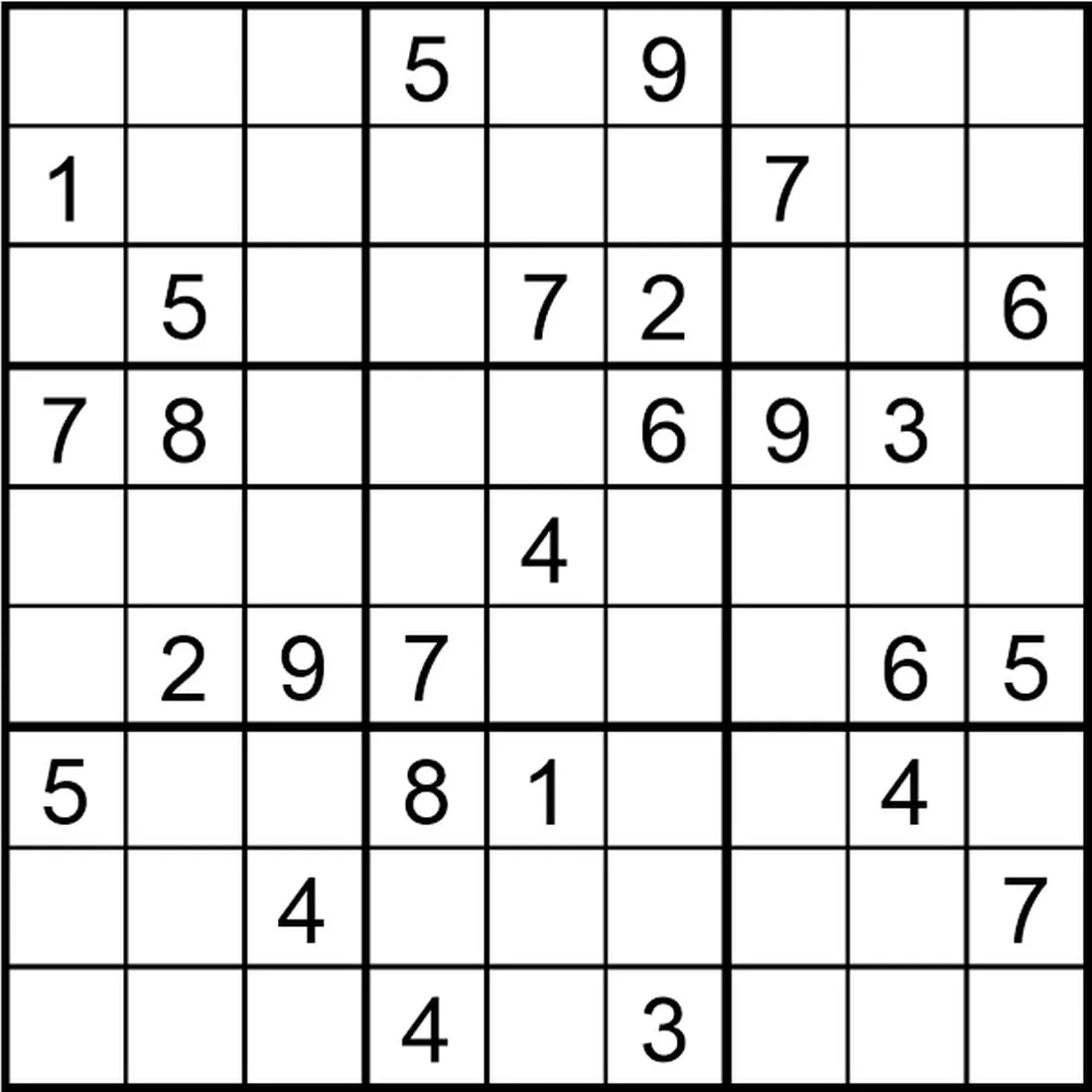
Sudoku is a logic-based combinatorial number-placement puzzle. The objective is to fill a 9×9 grid with digits so that each column, each row, and each of the nine 3×3 subgrids that compose the grid contain all of the digits from 1 to 9. The puzzle setter provides a partially completed grid, which for a well-posed puzzle has a single solution.
#### Why Use a Sudoku Game Generator?
A Sudoku game generator is essential for several reasons:
– **Variety**: It allows for the creation of different difficulty levels and puzzle variations.
– **Testing**: Developers can test their algorithms and improve them.
– **Entertainment**: It provides a source of endless Sudoku puzzles for users.
#### Building a Sudoku Game Generator in Java
##### Step 1: Set Up the Project
Before you start, ensure you have Java installed on your system. Create a new Java project in your favorite IDE.
##### Step 2: Define the Sudoku Grid
A Sudoku grid is represented by a 2D array. In Java, you can use a 2D `int` array to represent the grid.
“`java
int[][] grid = new int[9][9];
“`
##### Step 3: Implement the Sudoku Solver
The solver is the core of the generator. It uses backtracking to fill in the grid. Here’s a simplified version of the solver:
“`java
public boolean solveSudoku(int[][] board) {
for (int row = 0; row < 9; row++) {
for (int col = 0; col < 9; col++) {
if (board[row][col] == 0) {
for (int num = 1; num <= 9; num++) {
if (isValid(board, row, col, num)) {
board[row][col] = num;
if (solveSudoku(board))
return true;
board[row][col] = 0;
}
}
return false;
}
}
}
return true;
}
private boolean isValid(int[][] board, int row, int col, int num) {
// Check row, column, and 3x3 subgrid
// ...
}
```
##### Step 4: Generate Puzzles
Once you have a solver, you can generate puzzles by removing numbers from the solved grid. The more numbers you remove, the harder the puzzle becomes.
```java
public void generatePuzzle(int[][] board, int numToRemove) {
// Remove numbers from the board
// ...
}
```
##### Step 5: User Interface
Create a simple user interface to display the Sudoku grid and allow users to input their answers. You can use Java Swing or JavaFX for this.
#### Frequently Asked Questions (FAQ)
**Q: Can I generate puzzles of different difficulty levels?**
A: Yes, you can adjust the number of numbers removed from the solved grid to create puzzles of varying difficulty.
**Q: How do I check if a number can be placed in a specific cell?**
A: The `isValid` method checks if a number can be placed in a cell by ensuring it does not violate Sudoku rules in the row, column, and 3x3 subgrid.
**Q: Can I use this generator for commercial purposes?**
A: It depends on the terms of use of the Java library you are using. Make sure to review the license agreement.
**Q: What is the most efficient way to solve Sudoku?**
A: The most efficient way to solve Sudoku is often through the use of backtracking algorithms, which is what we've implemented in the generator.
**Q: Can I generate puzzles with custom constraints?**
A: While the basic generator does not support custom constraints, you can modify the `isValid` method to include additional rules as needed.
By following these steps and understanding the FAQs, you should be able to create a functional Sudoku game generator in Java. Happy coding!