


### Sudoku Generator in C: A Comprehensive Guide
#### Understanding Sudoku
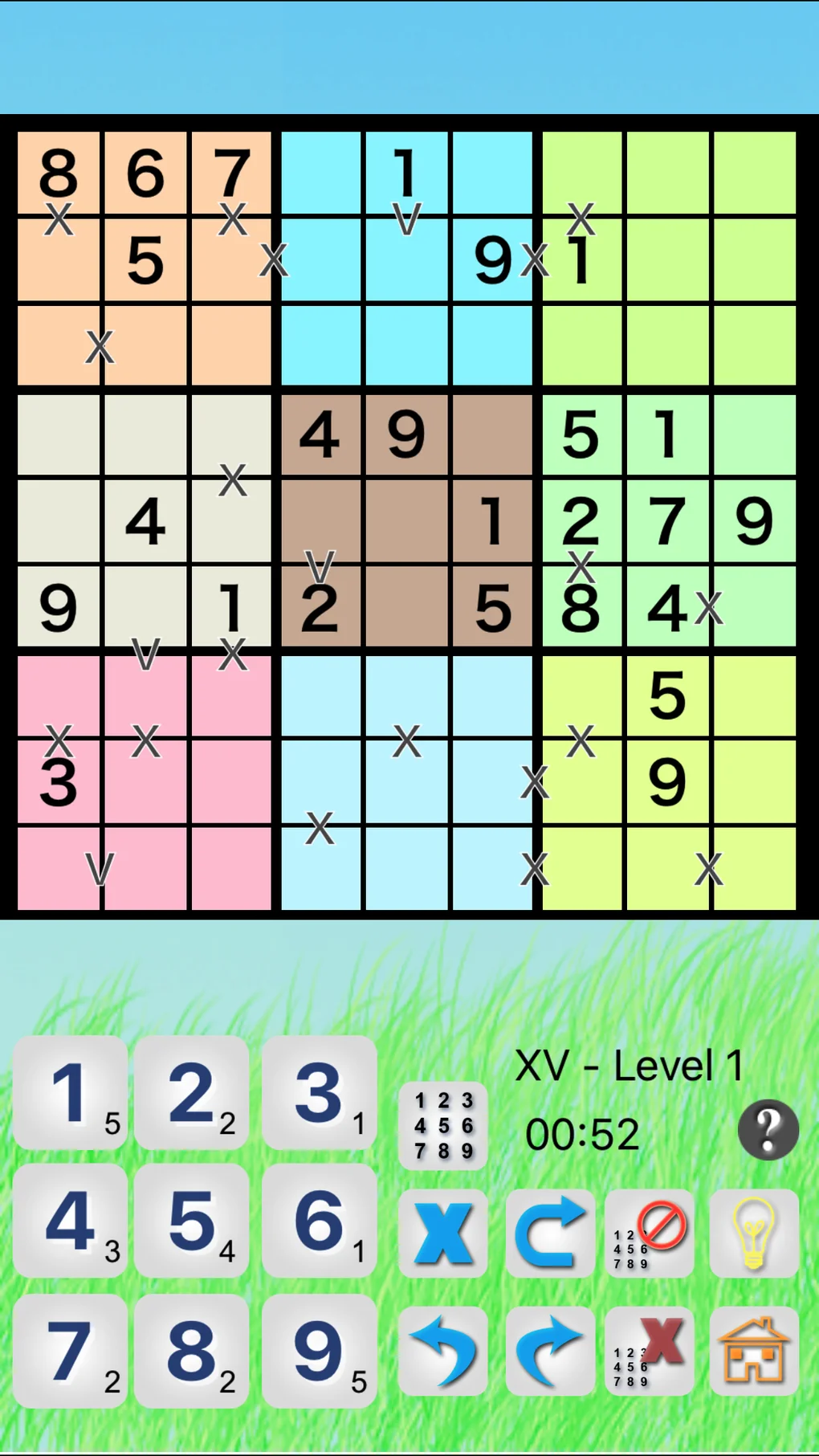
Sudoku is a popular puzzle game that involves filling a 9×9 grid with digits so that each column, each row, and each of the nine 3×3 subgrids that compose the grid contain all of the digits from 1 to 9. The objective is to fill in the blanks without repeating any numbers.
#### Creating a Sudoku Generator in C
To create a Sudoku generator in C, you need to understand the rules and structure of Sudoku. Here’s a step-by-step guide to help you get started.
##### Step 1: Initialize the Sudoku Grid
Start by creating a 9×9 grid to represent the Sudoku puzzle. You can use a 2D array to store the grid values. Initialize the grid with zeros or any other placeholder value.
“`c
int grid[9][9] = {0};
“`
##### Step 2: Fill the Diagonal Subgrids
In Sudoku, the 3×3 subgrids are placed diagonally. Fill the first three subgrids with numbers from 1 to 9 to ensure that each row, column, and subgrid contains all digits from 1 to 9.
“`c
fillSubgrid(grid, 0, 0);
fillSubgrid(grid, 3, 3);
fillSubgrid(grid, 6, 6);
“`
##### Step 3: Fill the Remaining Grid
Now, fill the remaining cells of the grid using a backtracking algorithm. This algorithm will try to place numbers in the empty cells while ensuring that no duplicates are present in the same row, column, or subgrid.
“`c
solveSudoku(grid);
“`
##### Step 4: Display the Sudoku Puzzle
Once the grid is filled, display the puzzle on the console or any other output interface.
“`c
printGrid(grid);
“`
#### FAQ
**Q1: What is backtracking?**
A1: Backtracking is a recursive algorithm that solves problems by trying to build a solution incrementally, one piece at a time, and removing those solutions that fail to satisfy the constraints of the problem at any point of time (hence the name “backtracking”).
**Q2: Can I create a Sudoku generator with a different size grid?**
A2: Yes, you can create a Sudoku generator for different grid sizes. However, the rules for each size may vary. For example, a 4×4 grid will have 2×2 subgrids, and the rules will be slightly different.
**Q3: How do I handle the case when the Sudoku puzzle has no solution?**
A3: In such cases, the backtracking algorithm will reach a point where it cannot place any number in the next empty cell. At this point, you can either report that the puzzle has no solution or backtrack to the previous cell and try a different number.
**Q4: Can I use this generator to generate puzzles of varying difficulty?**
A4: Yes, you can modify the algorithm to generate puzzles of varying difficulty. One way to do this is by removing numbers from the grid before solving it. The more numbers you remove, the harder the puzzle will become.
#### Conclusion
Creating a Sudoku generator in C is a fun and challenging project that can help you understand the intricacies of the puzzle game. By following the steps outlined in this guide, you can create a generator that can produce puzzles of varying difficulty for you and others to enjoy.